
Handwritten notes
Make the idea your own.
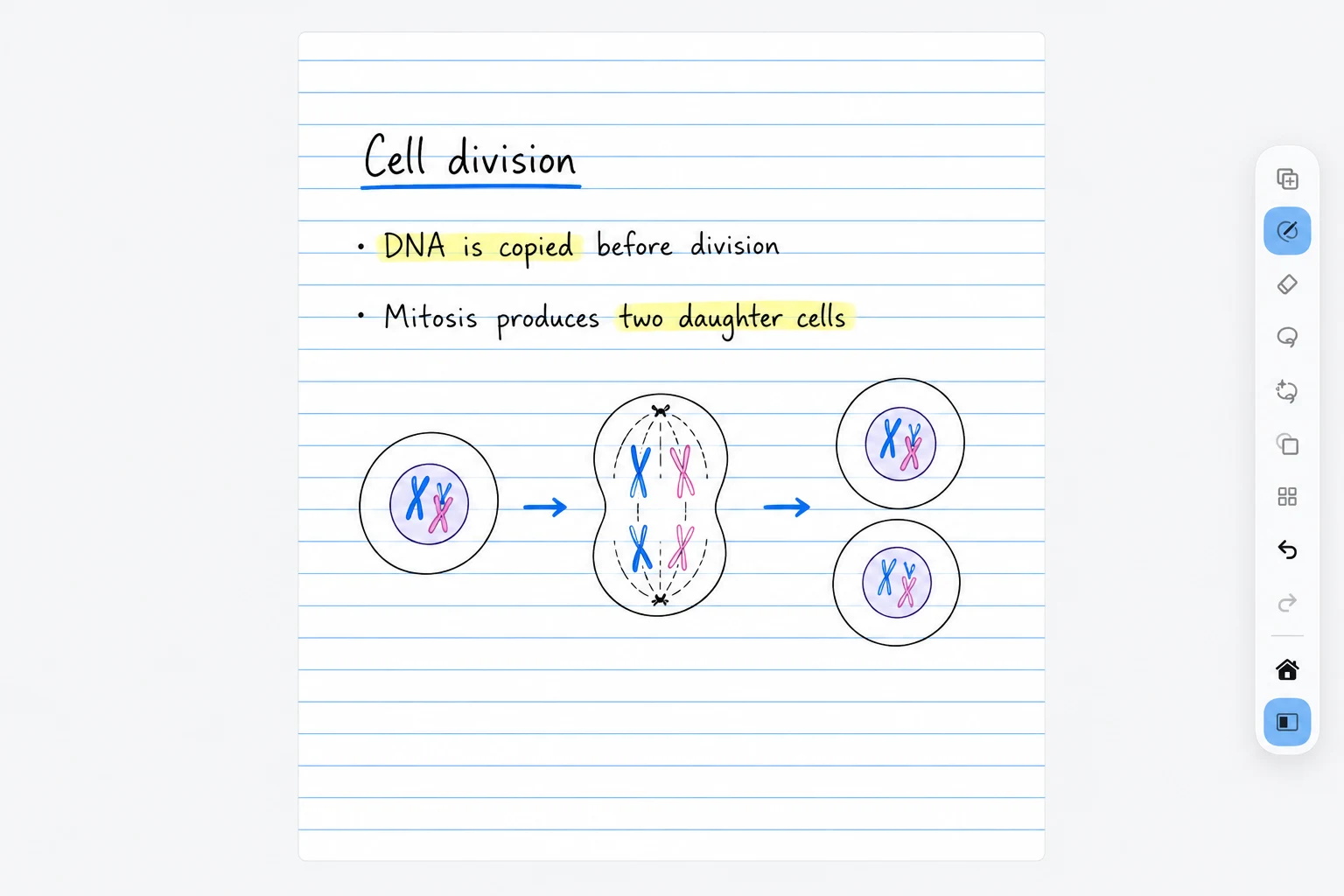
Write, highlight, and sketch on notebook paper. Keep diagrams and explanations together as you work through a topic.
Notemai brings handwritten notes, grounded tutoring, lecture audio, planning, and shared study spaces into one focused iPad workspace.
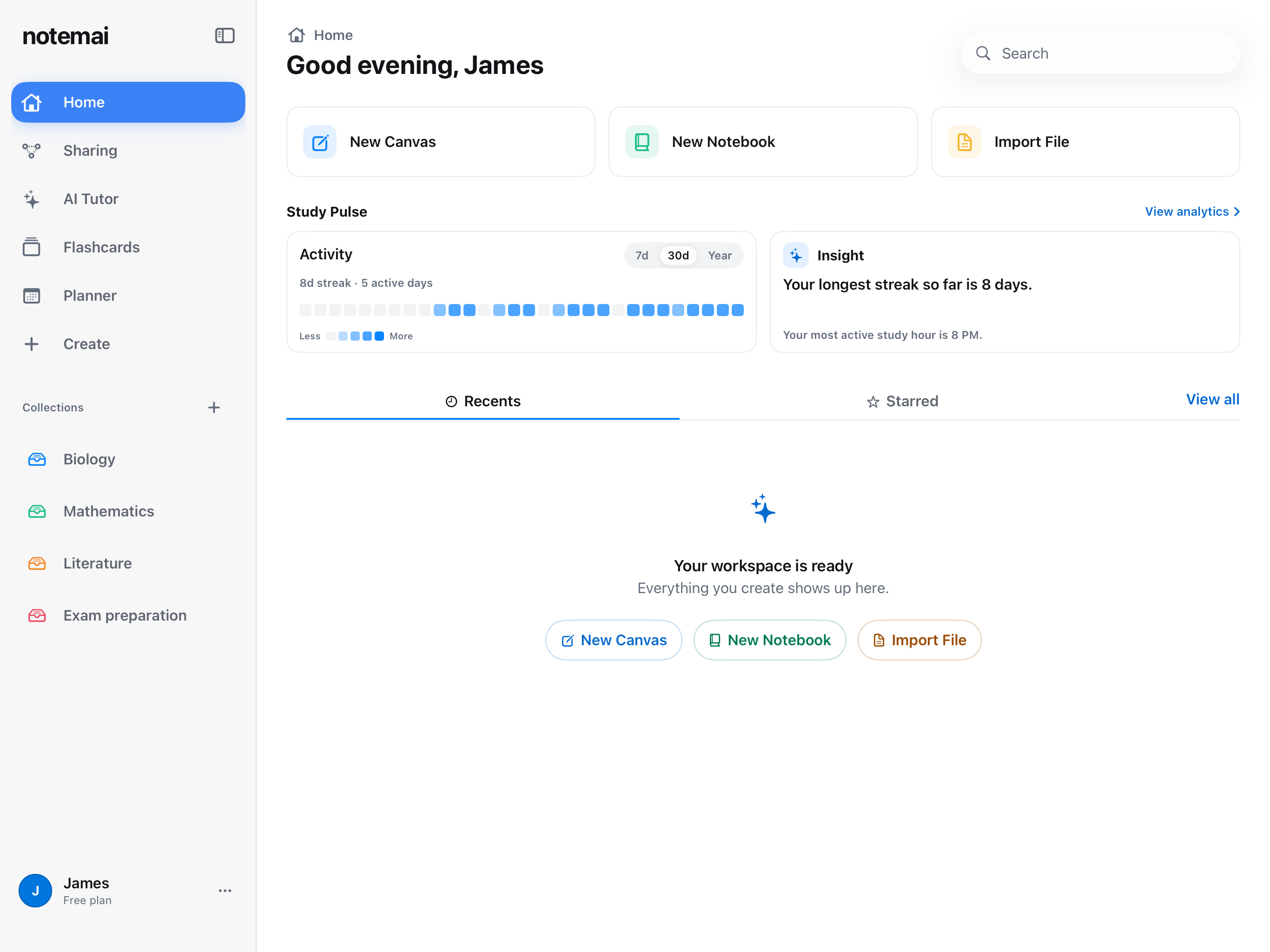
Explore your workspace
Handwritten notes
Write, highlight, and sketch on notebook paper. Keep diagrams and explanations together as you work through a topic.
Canvas widgets
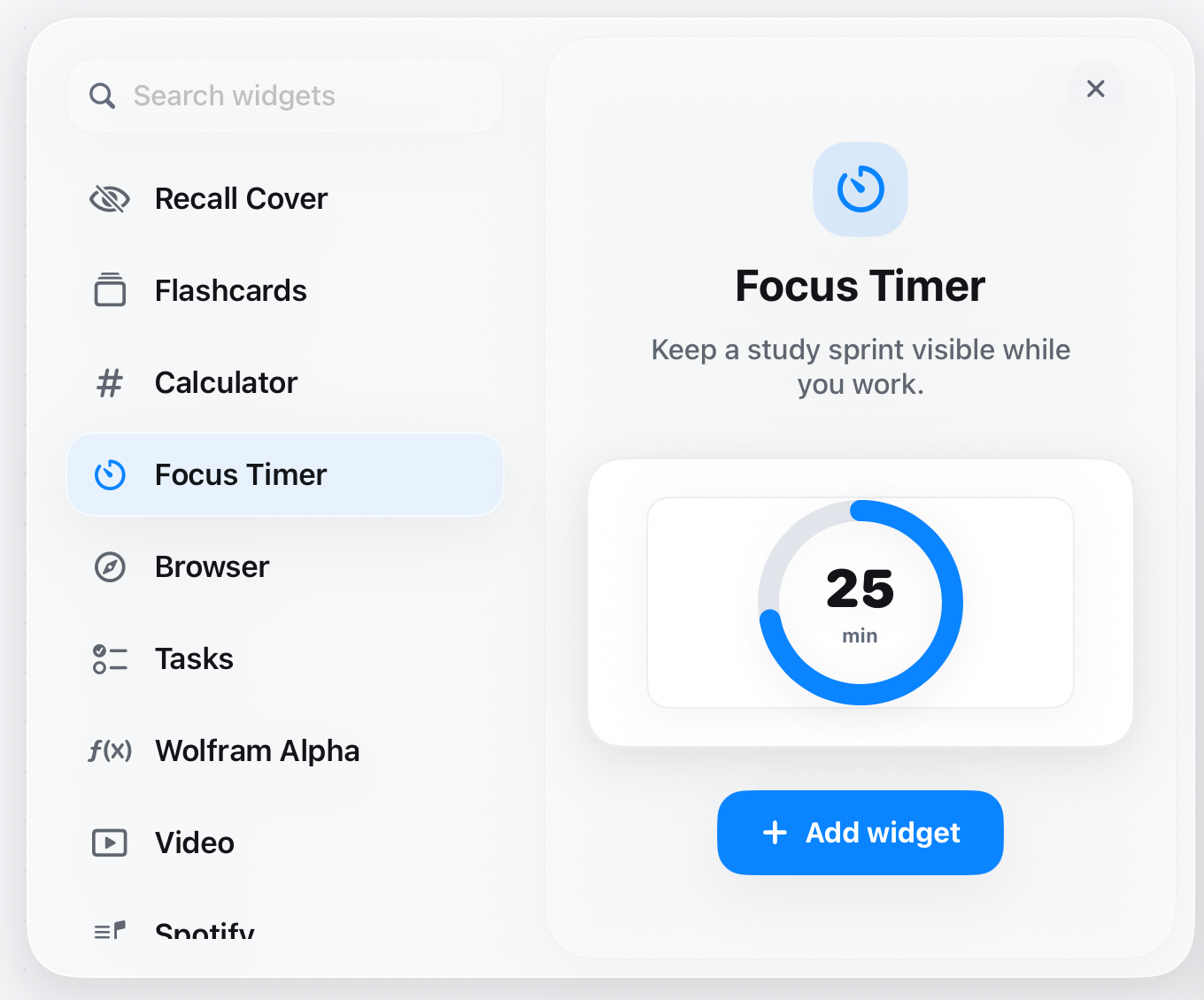
Bring a focus timer, flashcards, calculator, or task list onto the canvas. Choose a widget from the menu and preview it before adding it.
Collections
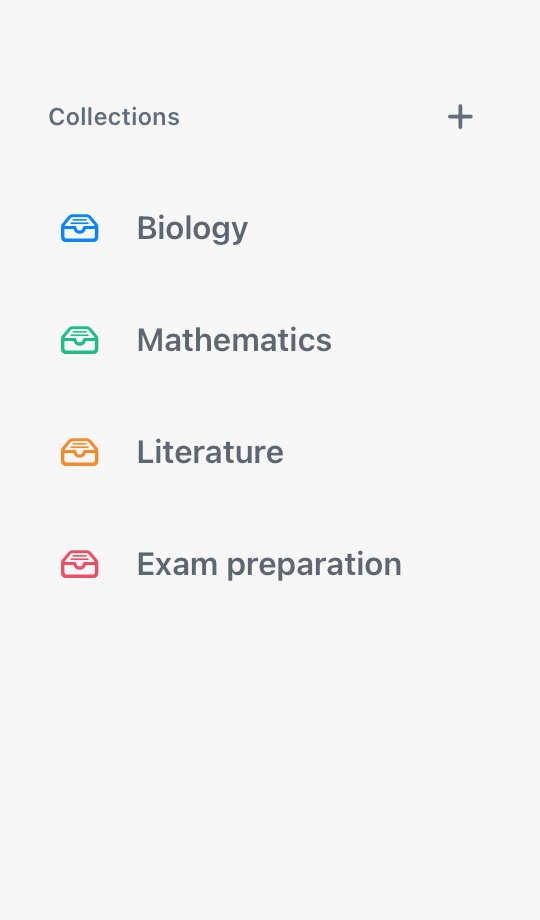
Group your coursework into collections so Biology, Mathematics, and the next exam each have a home.
Illustrative study examples. Home, collections, widgets, and AI Lasso controls use original app captures. Other visuals include AI-enhanced sample content; collaboration scenes illustrate multiple participants.
AI Lasso
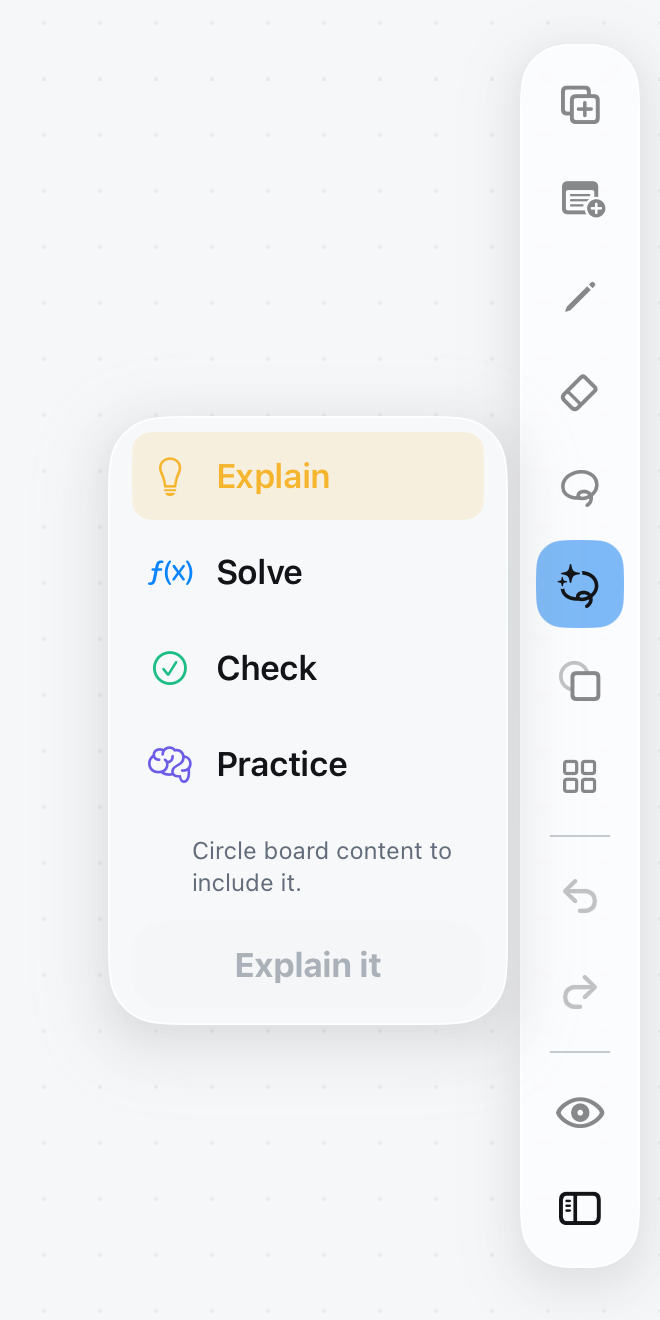
Select a question or passage, then choose Explain, Solve, Check, or Practice.
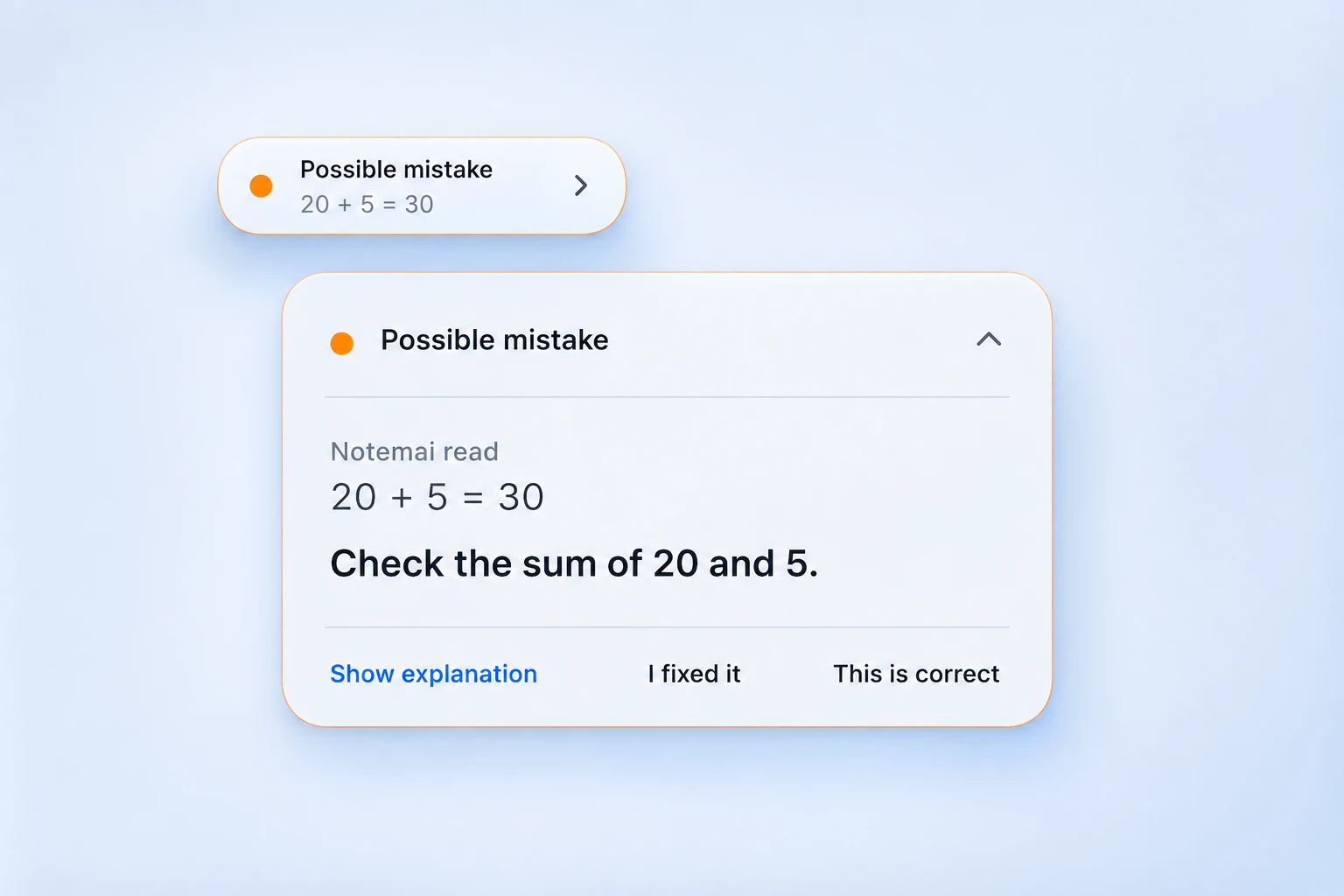
Live Mistake Hints
A possible mistake appears in a quiet pill. Open it to see what Notemai read, inspect the explanation, or tell it your work is correct.
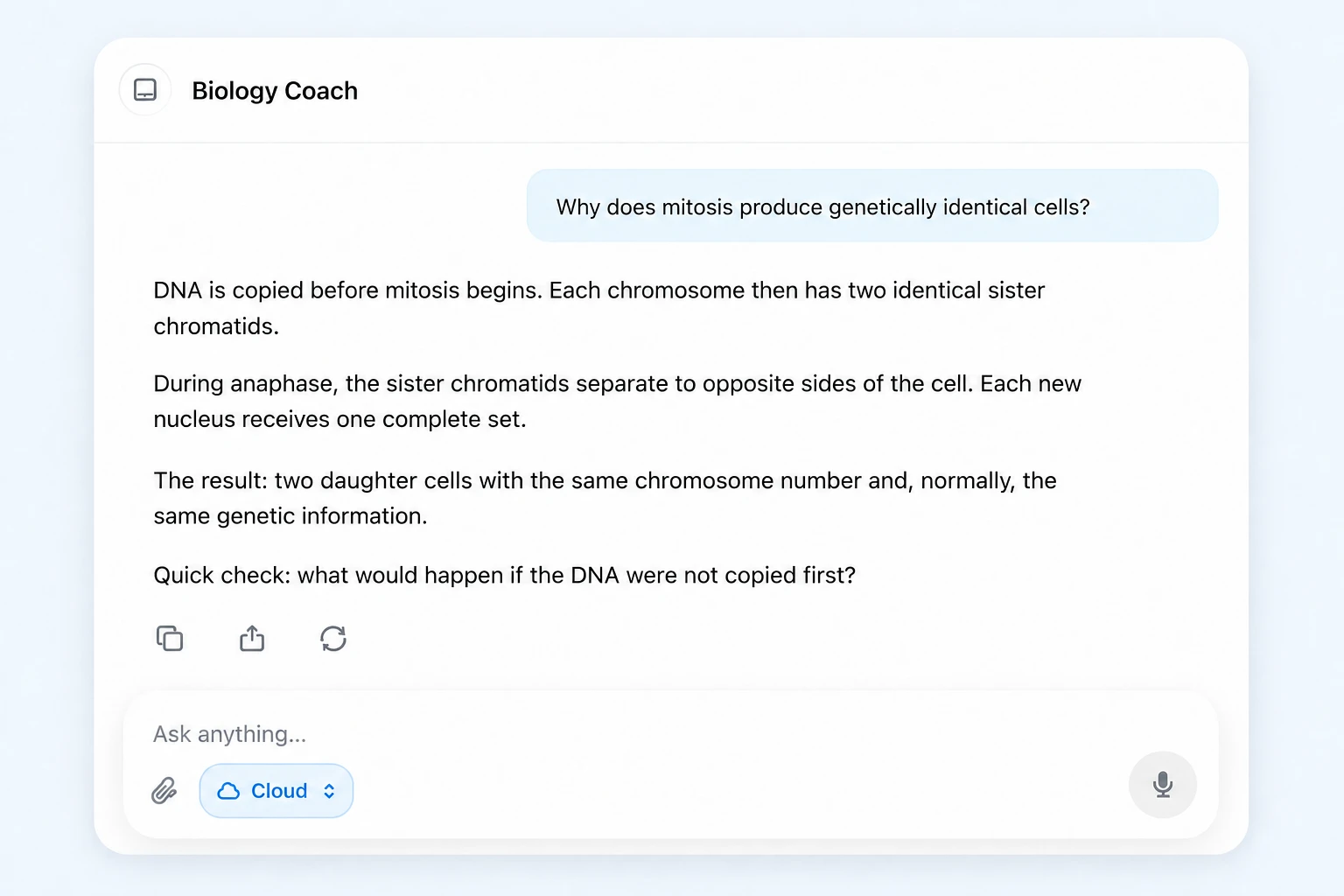
AI Tutor
Ask a specific question, follow the explanation, and check your understanding. Choose your AI route from the conversation.
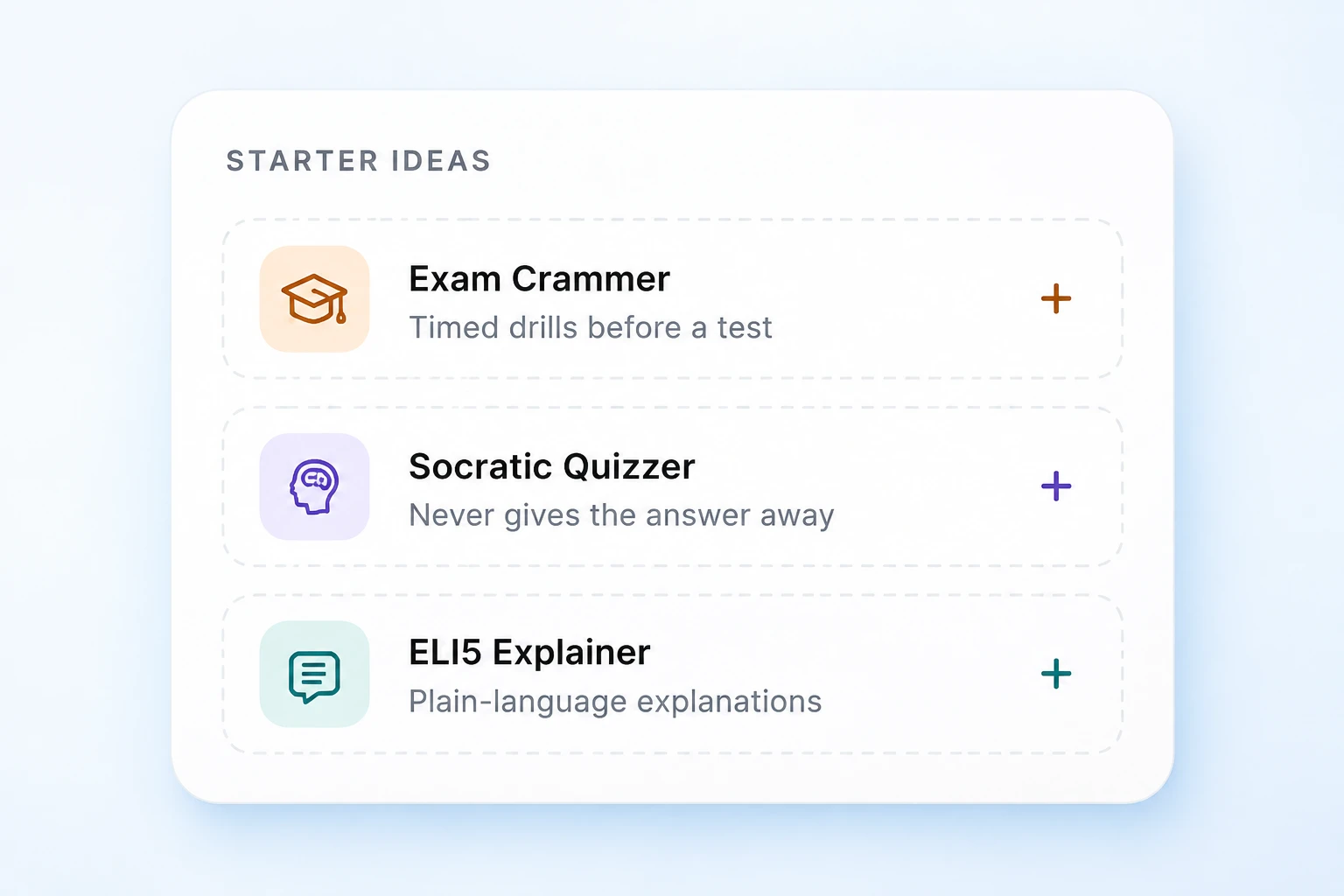
Your way of learning
Try timed drills with Exam Crammer, think it through with Socratic Quizzer, or start simply with ELI5 Explainer.
Flashcard review
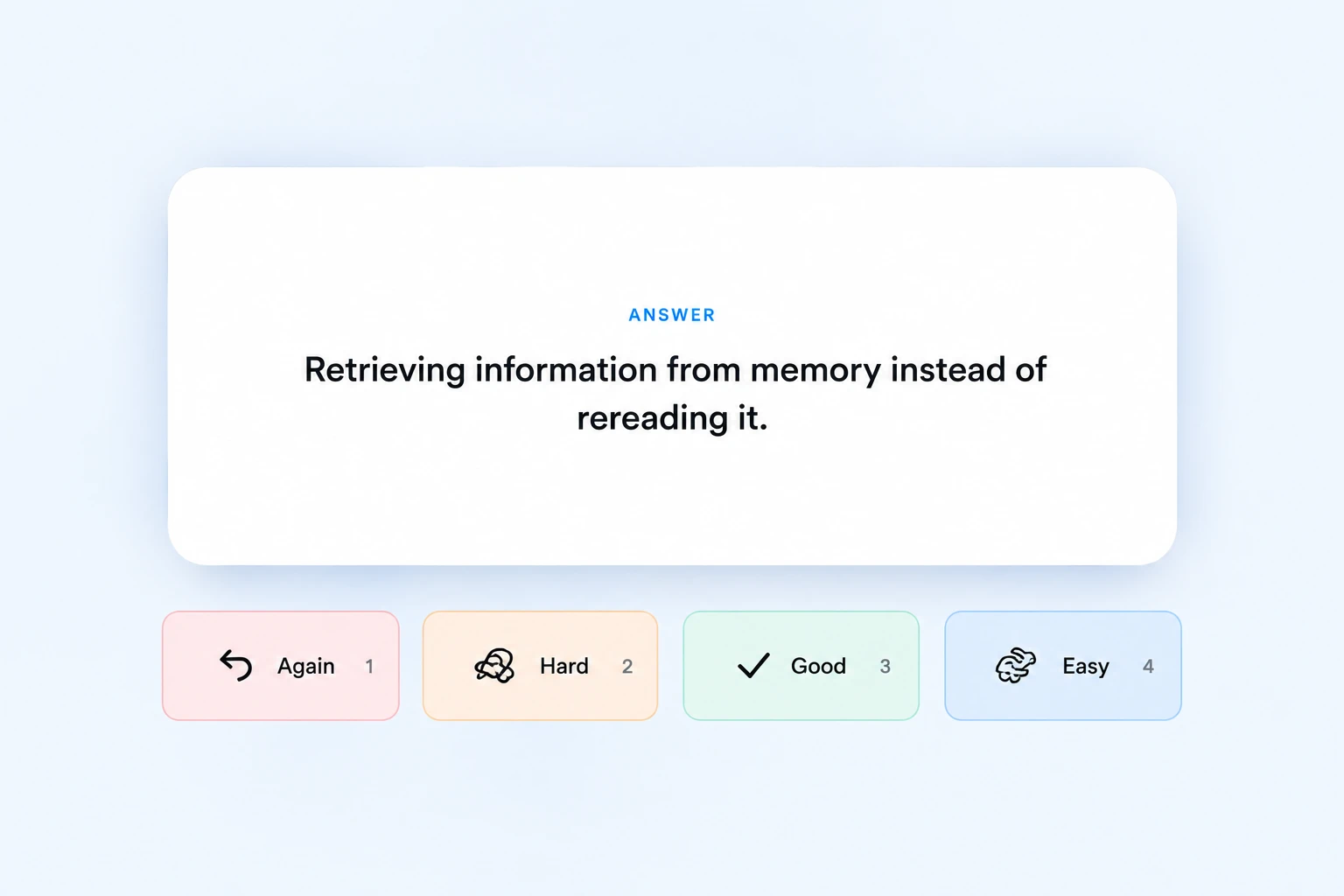
Reveal the answer and choose Again, Hard, Good, or Easy to guide your next review.
Illustrative study examples. Home, collections, widgets, and AI Lasso controls use original app captures. Other visuals include AI-enhanced sample content; collaboration scenes illustrate multiple participants.
Your study calendar
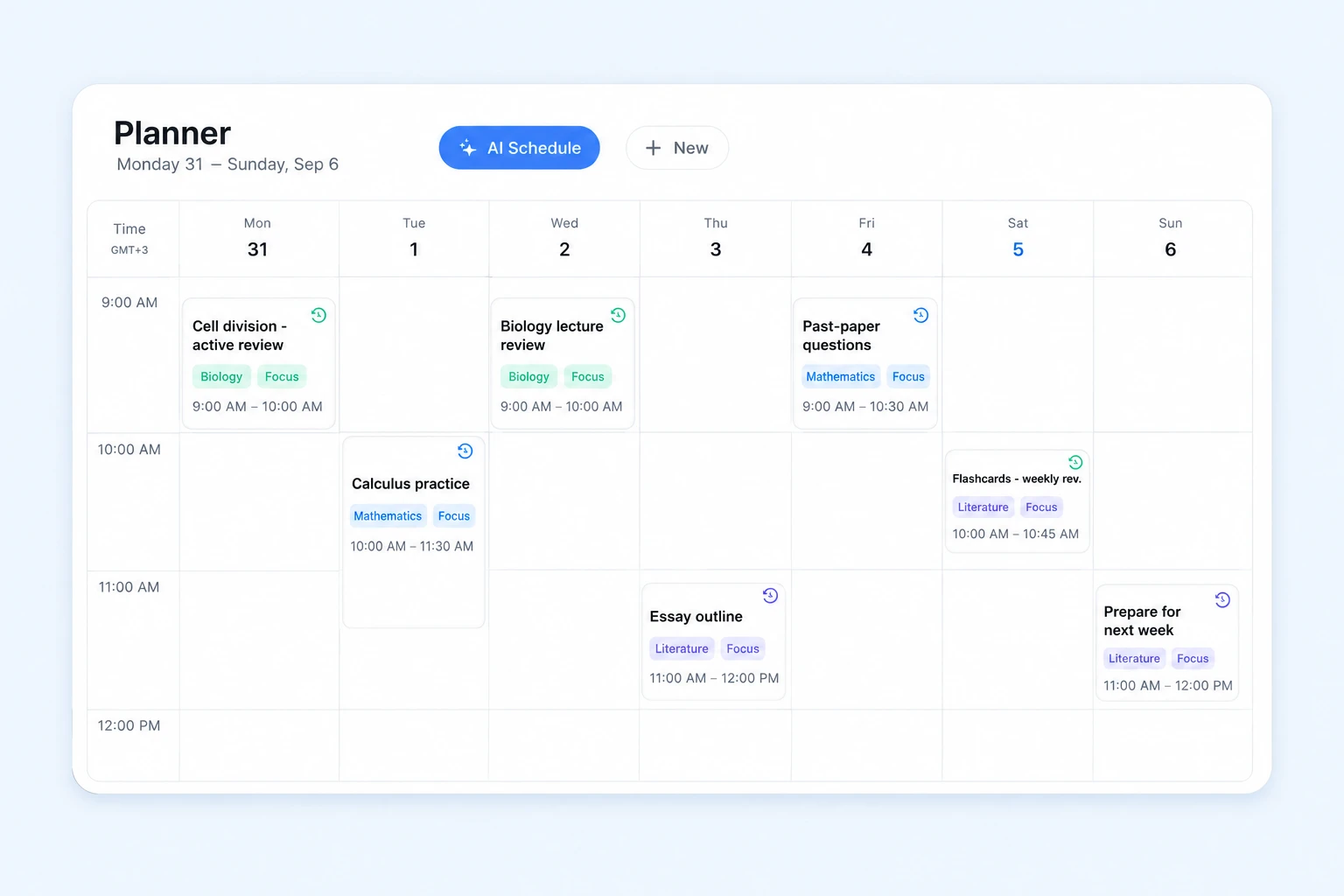
Put study blocks, review sessions, and coursework into a week you can see. Use AI Schedule when you want help planning it.
Illustrative study examples. Home, collections, widgets, and AI Lasso controls use original app captures. Other visuals include AI-enhanced sample content; collaboration scenes illustrate multiple participants.
Writing replay
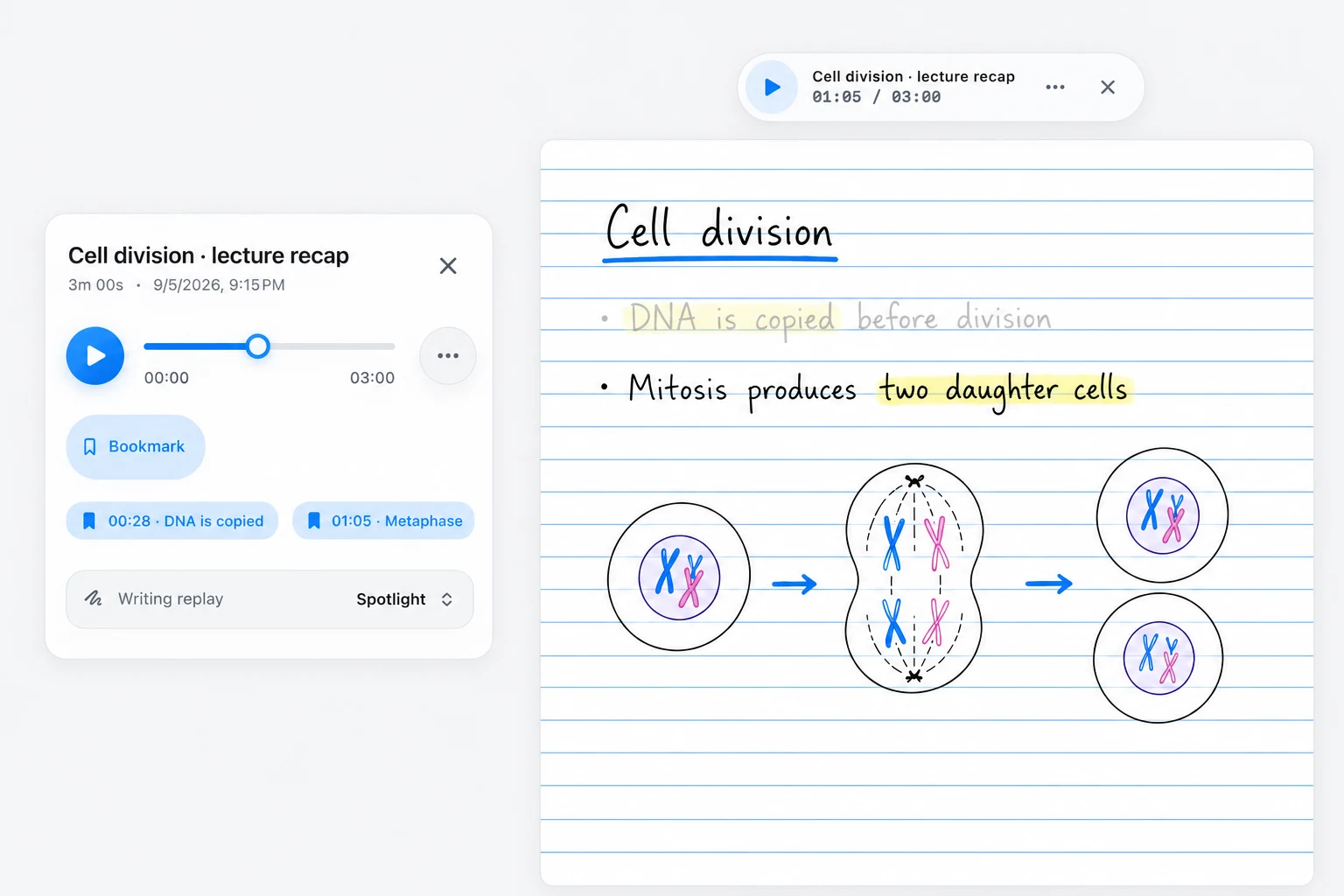
Replay the recording alongside your notes. Use a bookmark to return to an explanation and Spotlight to focus on the writing.
Audio Notes
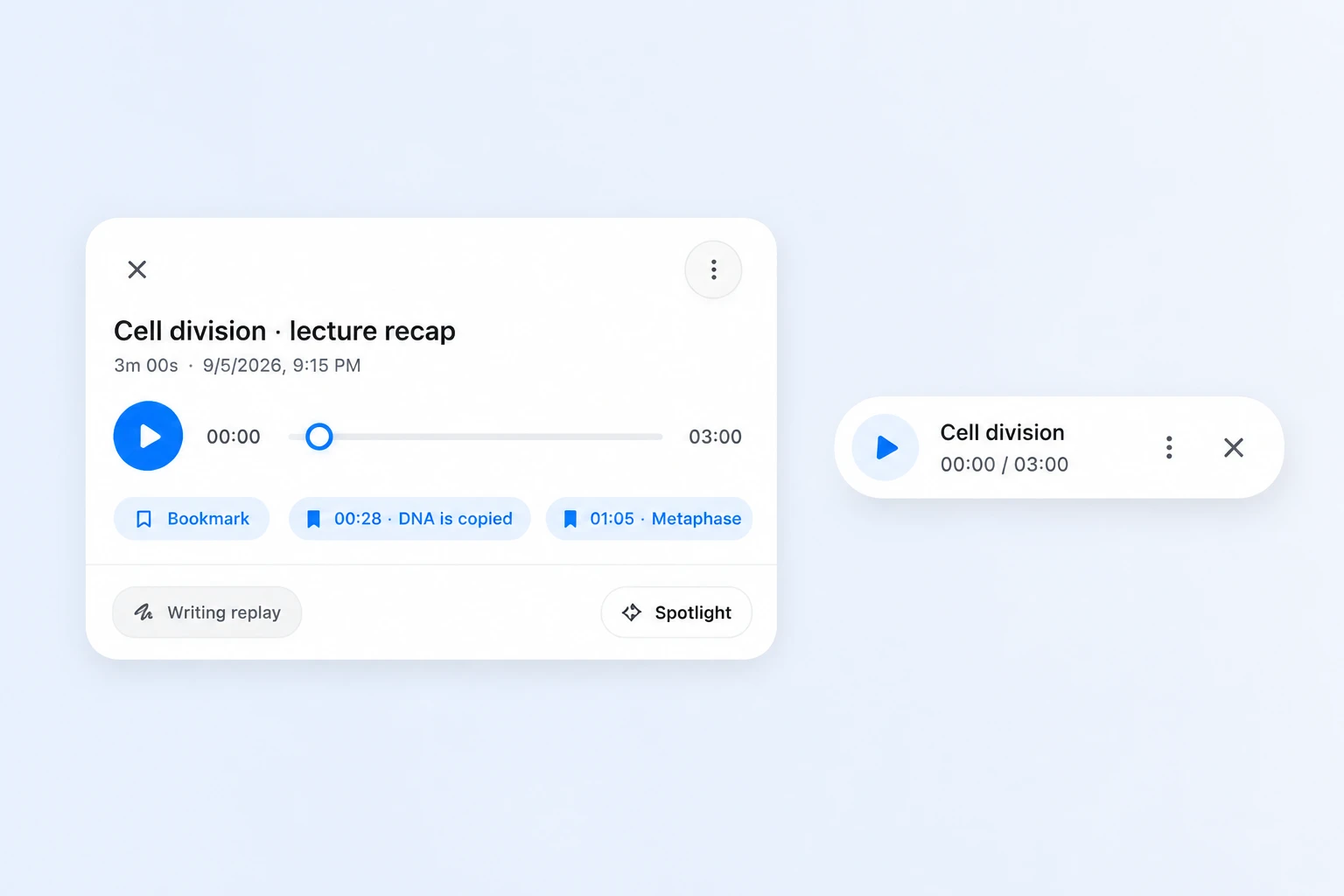
Jump to a bookmark, change the writing replay view, and keep listening with a compact player that stays within reach.
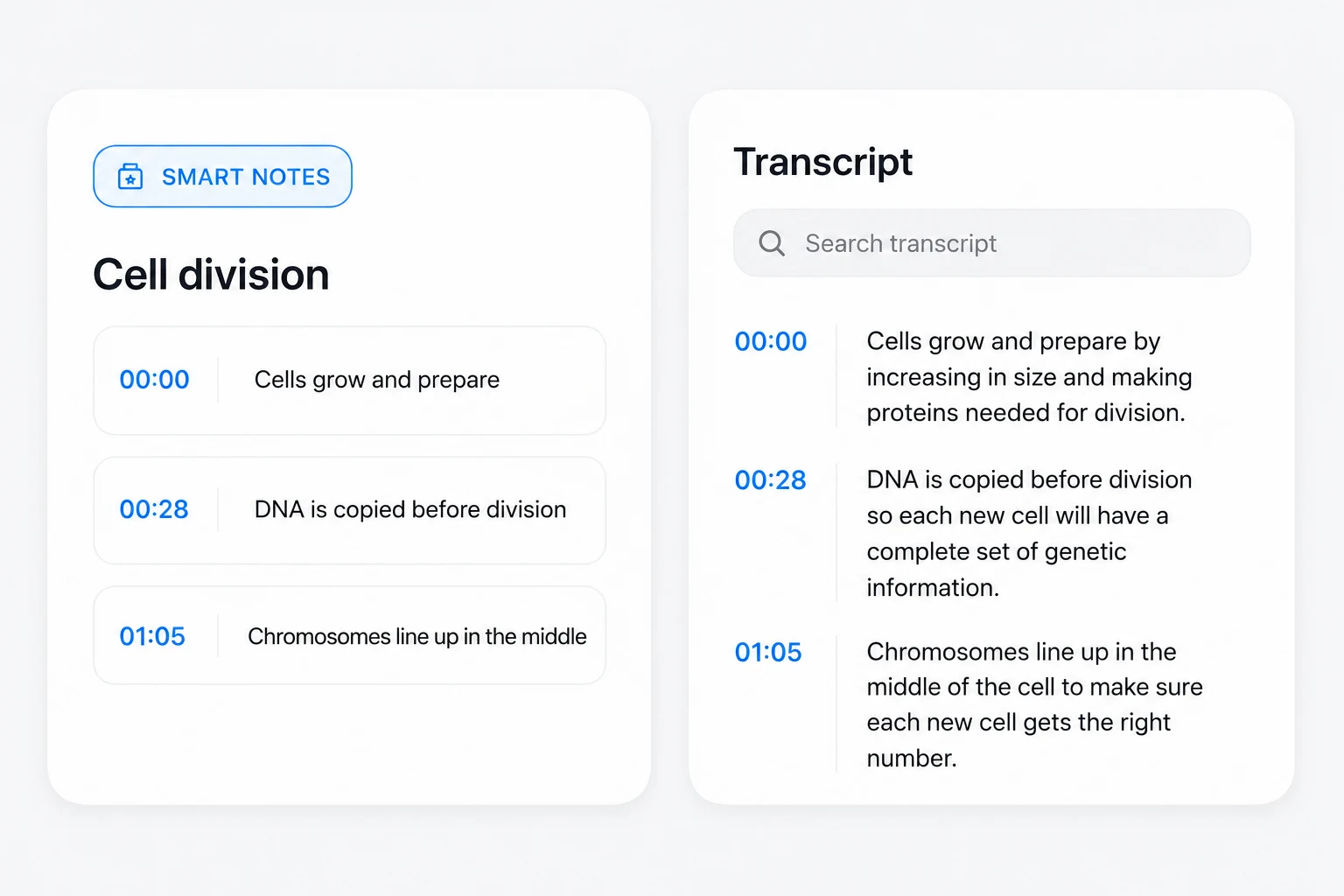
Transcripts & Smart Notes
Search a timestamped transcript and return to the recording. Smart Notes turn the lecture into a recap for your next study session.
Illustrative study examples. Home, collections, widgets, and AI Lasso controls use original app captures. Other visuals include AI-enhanced sample content; collaboration scenes illustrate multiple participants.
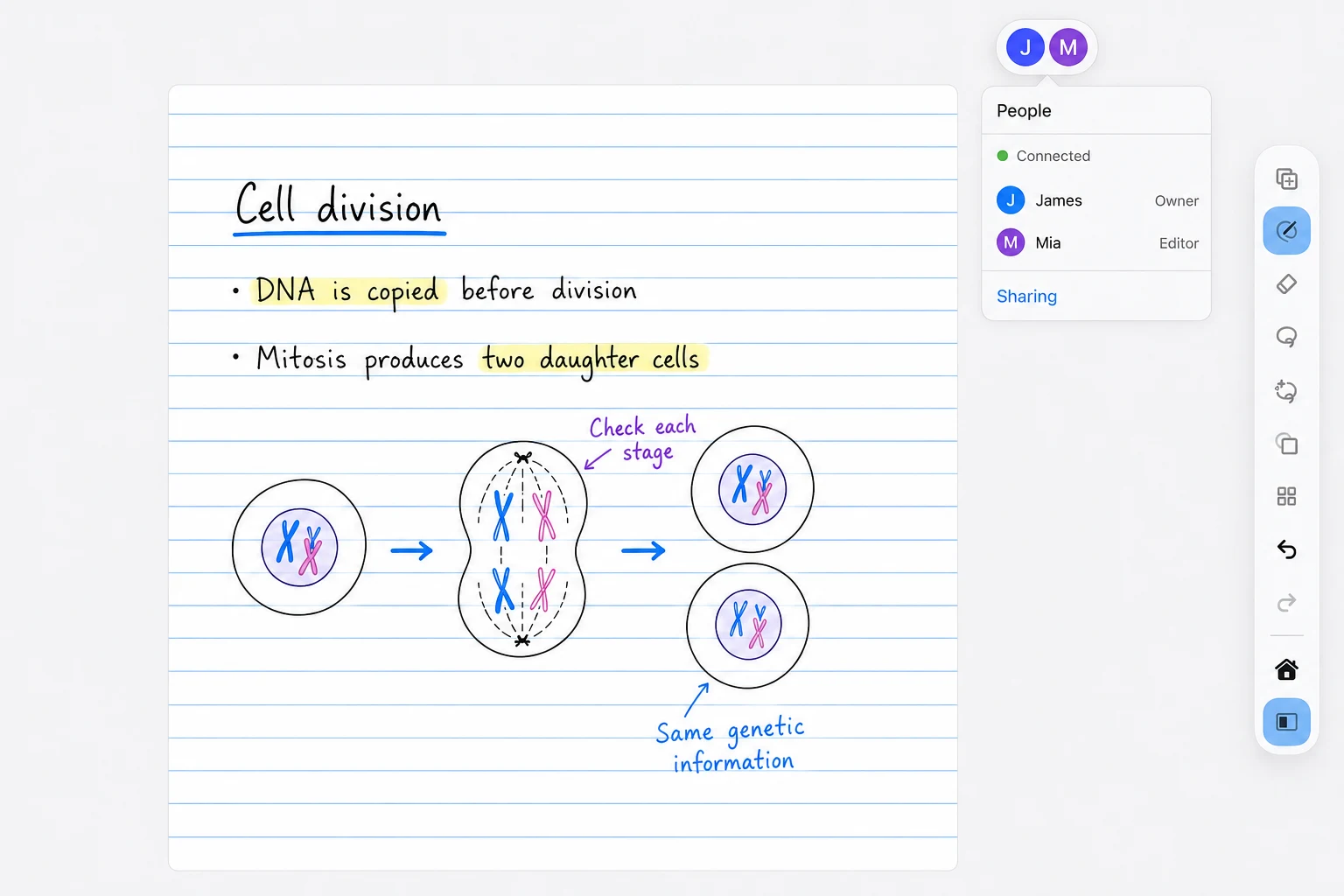
Study together
Work through a shared canvas together, with member avatars and roles close at hand. James and Mia illustrate a study session here.
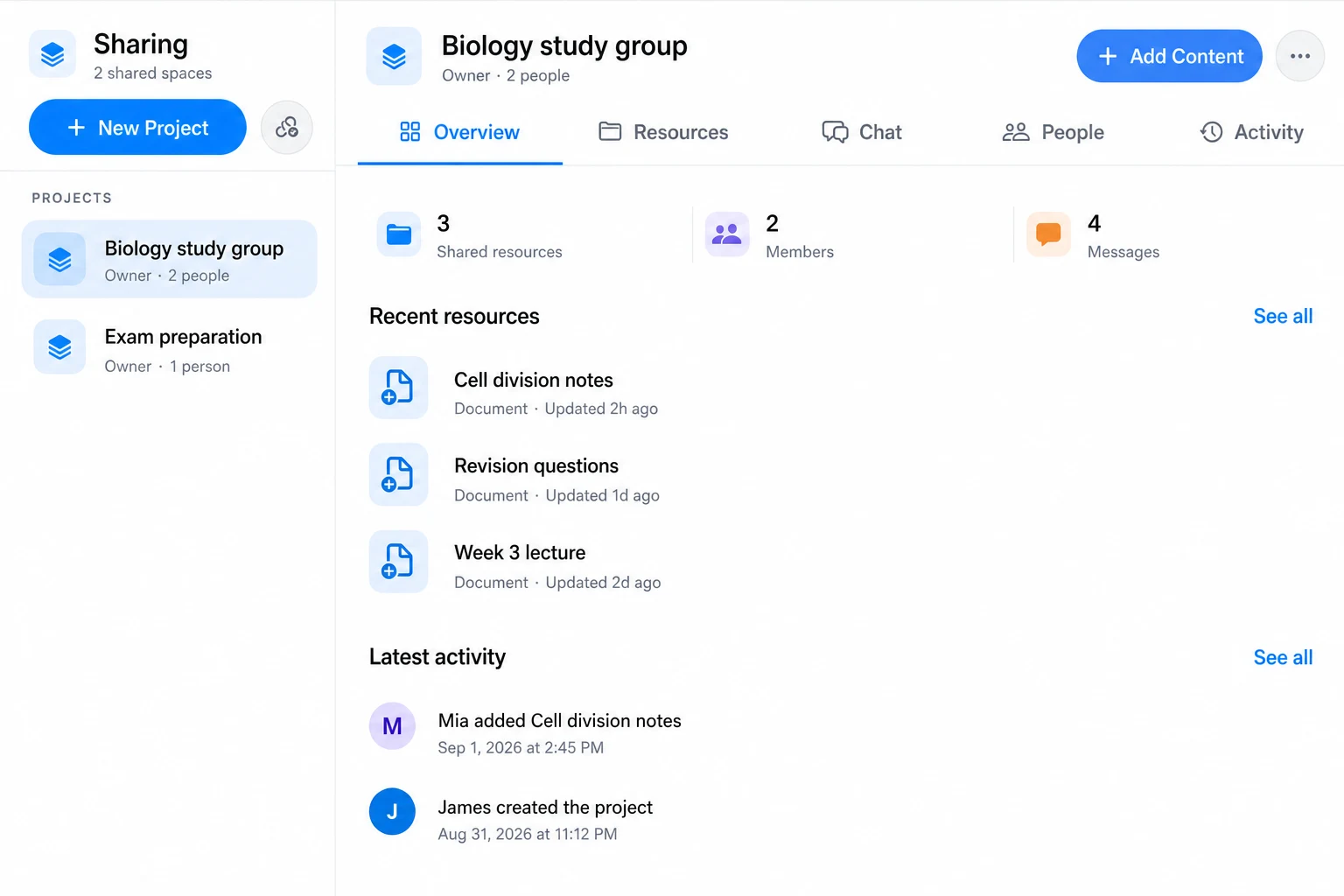
Shared study projects
Use the app’s Sharing workspace to collect resources, chat, manage people, and catch up on project activity.
Illustrative study examples. Home, collections, widgets, and AI Lasso controls use original app captures. Other visuals include AI-enhanced sample content; collaboration scenes illustrate multiple participants.
Start with what you need
Find your study rhythm.
Bring the whole semester.
Turn notes into understanding.
Practice without a card limit.
Proposed discounted prices in EUR (€). Monthly plans are also shown on our pricing page. Lifetime Plus remains a proposed one-time purchase.
 The whole study loop, in one place
Start with the core workspace. Add unlimited organization, grounded AI, or live feedback when you need more.