
AI Tutor
Ask the next question.
Bring your study material into a conversation. Ask for a simpler explanation, work through a difficult step, or check how two ideas connect. Keep asking until the reasoning makes sense to you.
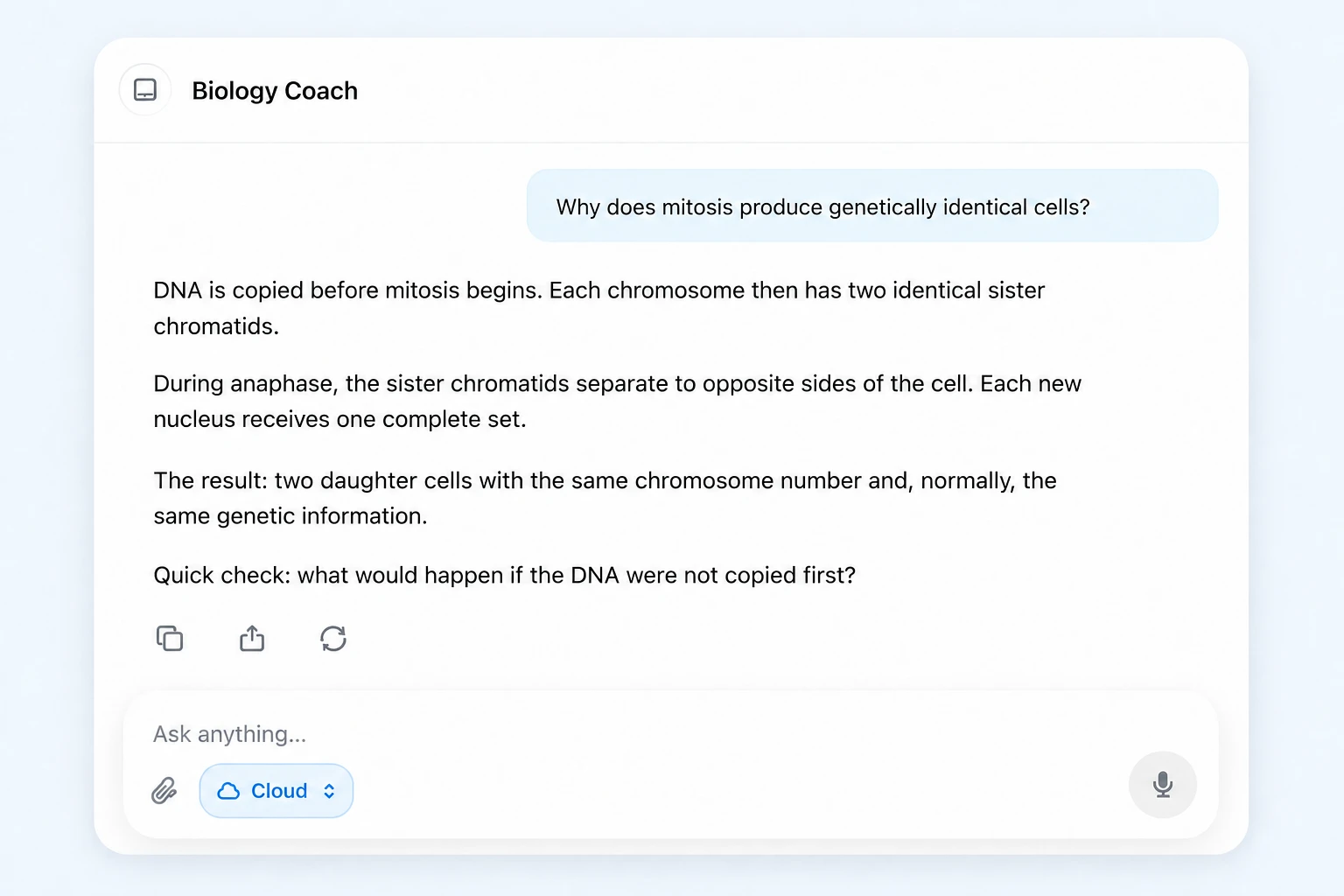
Notemai AI
Help with the question in front of you, right where your notes already live. Explore, check, and practice without losing your train of thought.
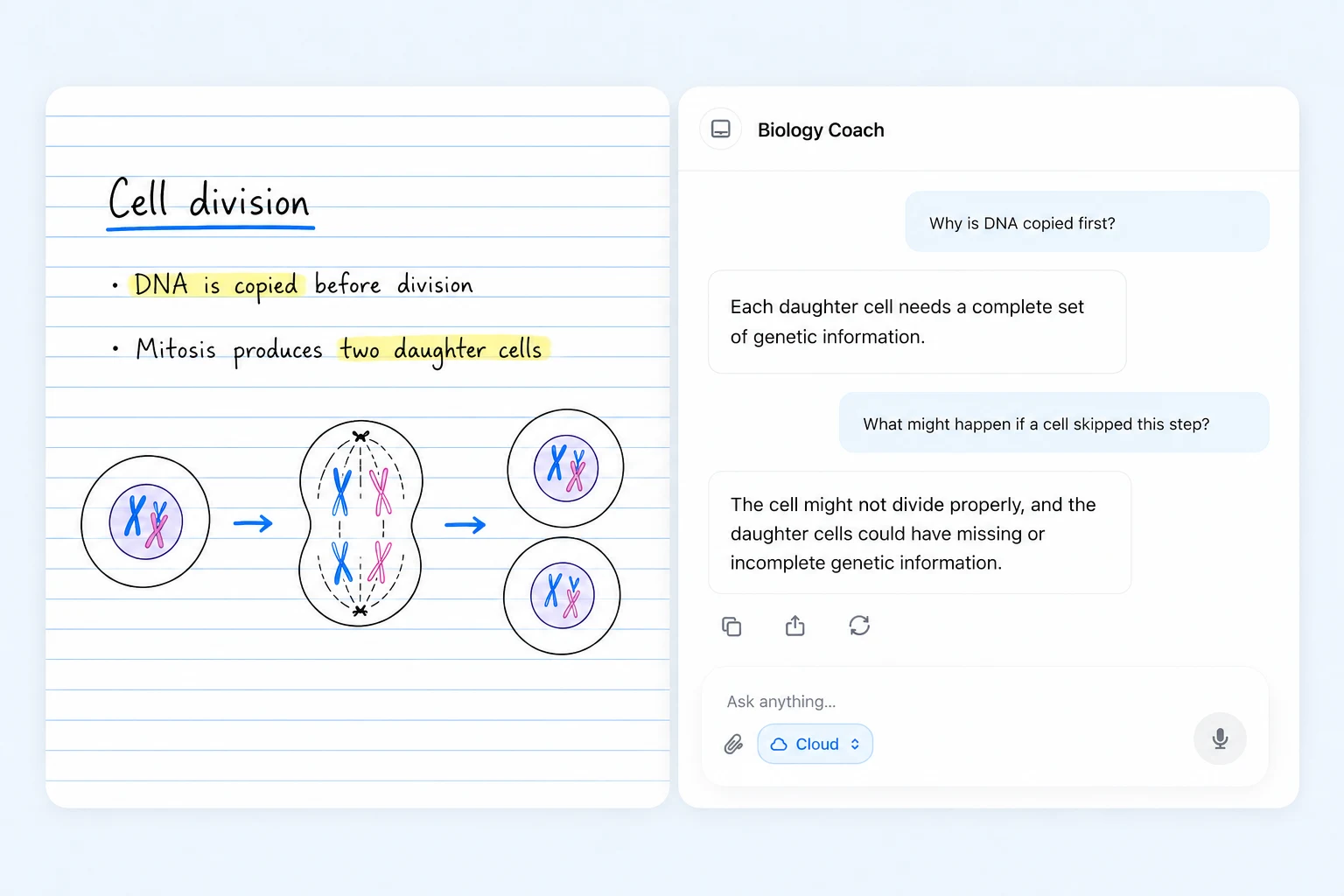
From a question to a next step
AI Tutor
Bring your study material into a conversation. Ask for a simpler explanation, work through a difficult step, or check how two ideas connect. Keep asking until the reasoning makes sense to you.
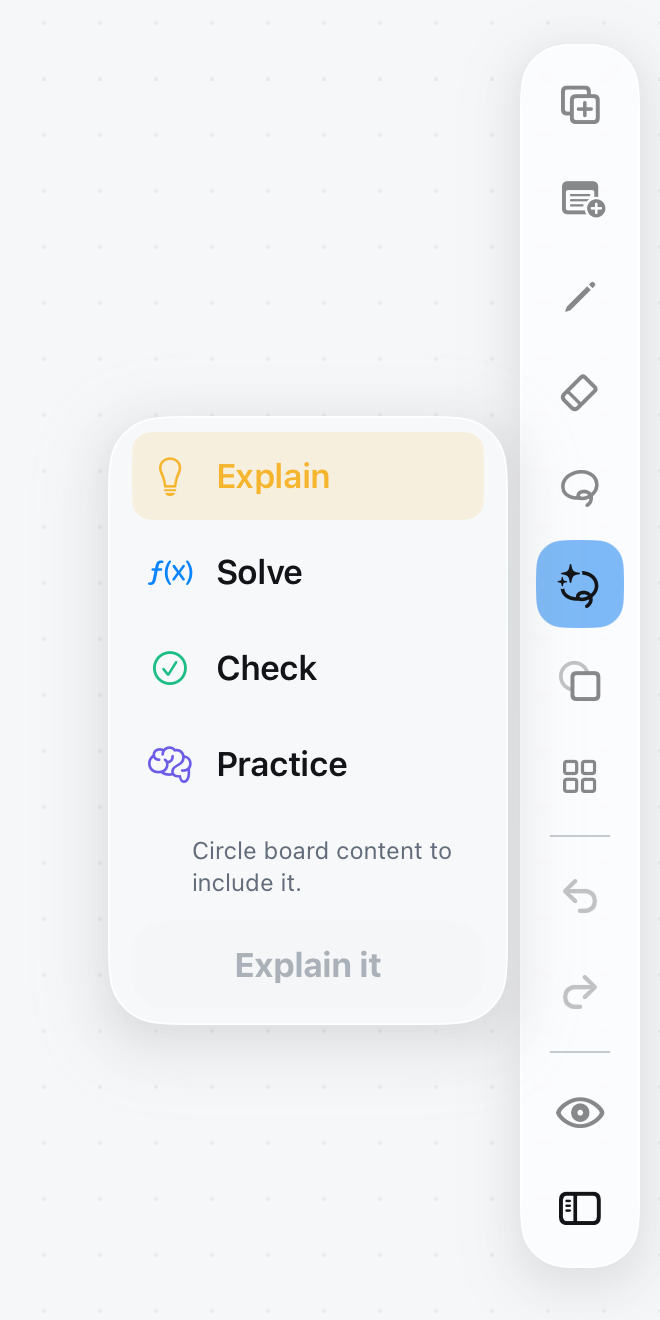
AI Lasso
Circle content on your canvas, then choose Explain, Solve, Check, or Practice. The native floating controls keep the next action close to the material you selected.
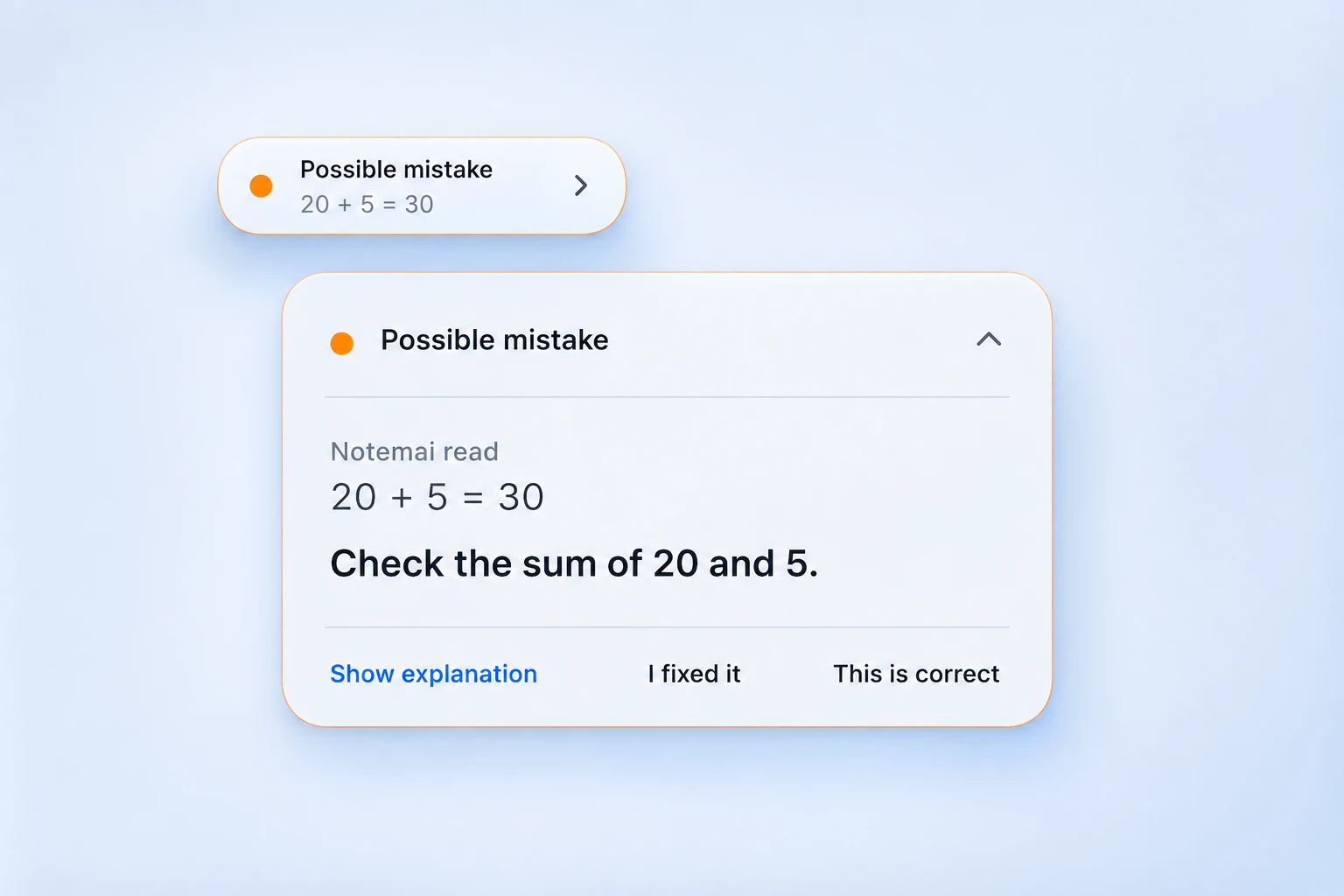
Live Mistake Hints
A possible mistake can appear as a small hint while you work. Open it to inspect what was read and review the explanation. You can also tell Notemai that your work is correct.
Flashcards & practice
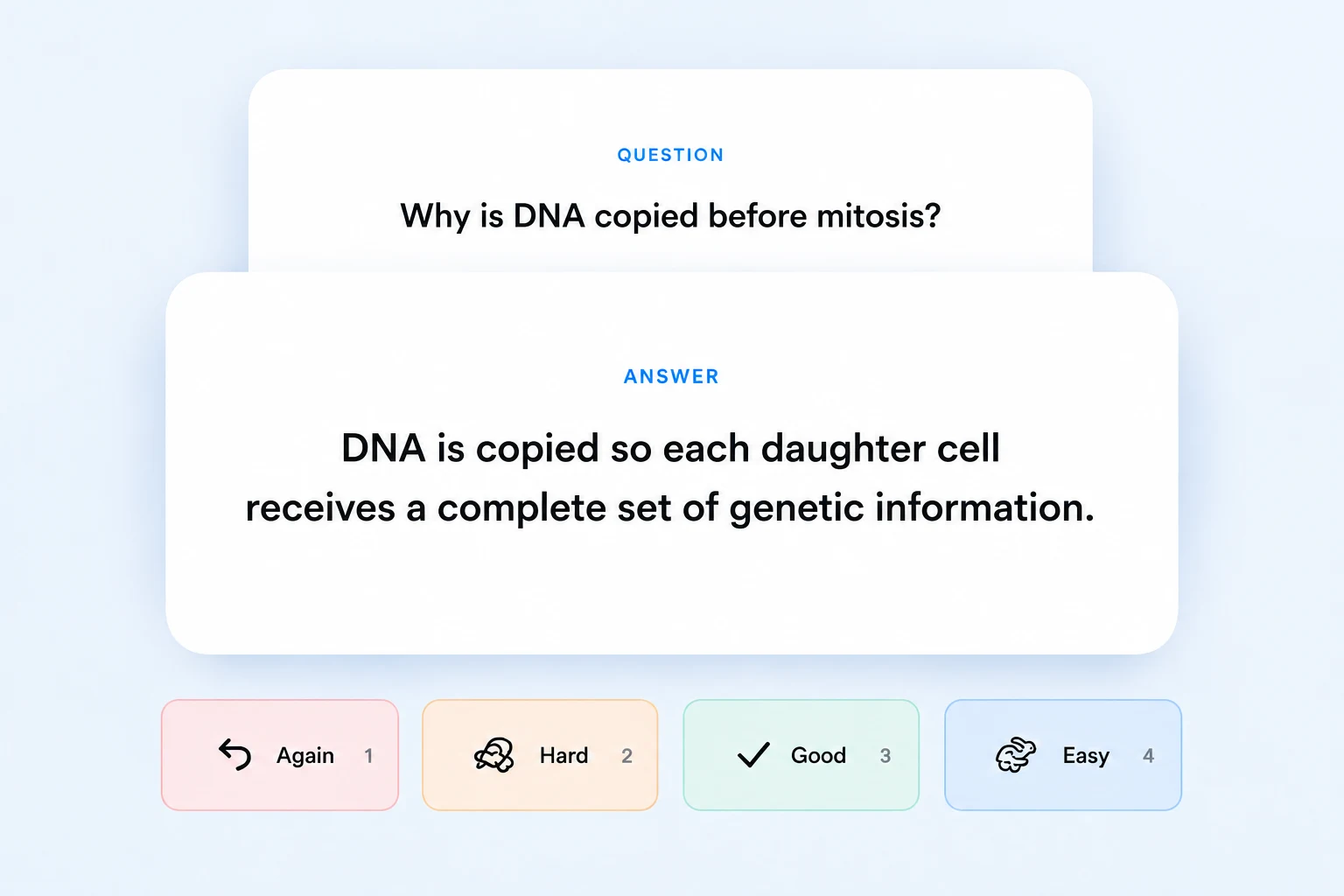
Use AI generation to build study cards, then test yourself. Reveal an answer and choose Again, Hard, Good, or Easy to guide your review. Check generated material against your notes before relying on it.
Lecture study tools
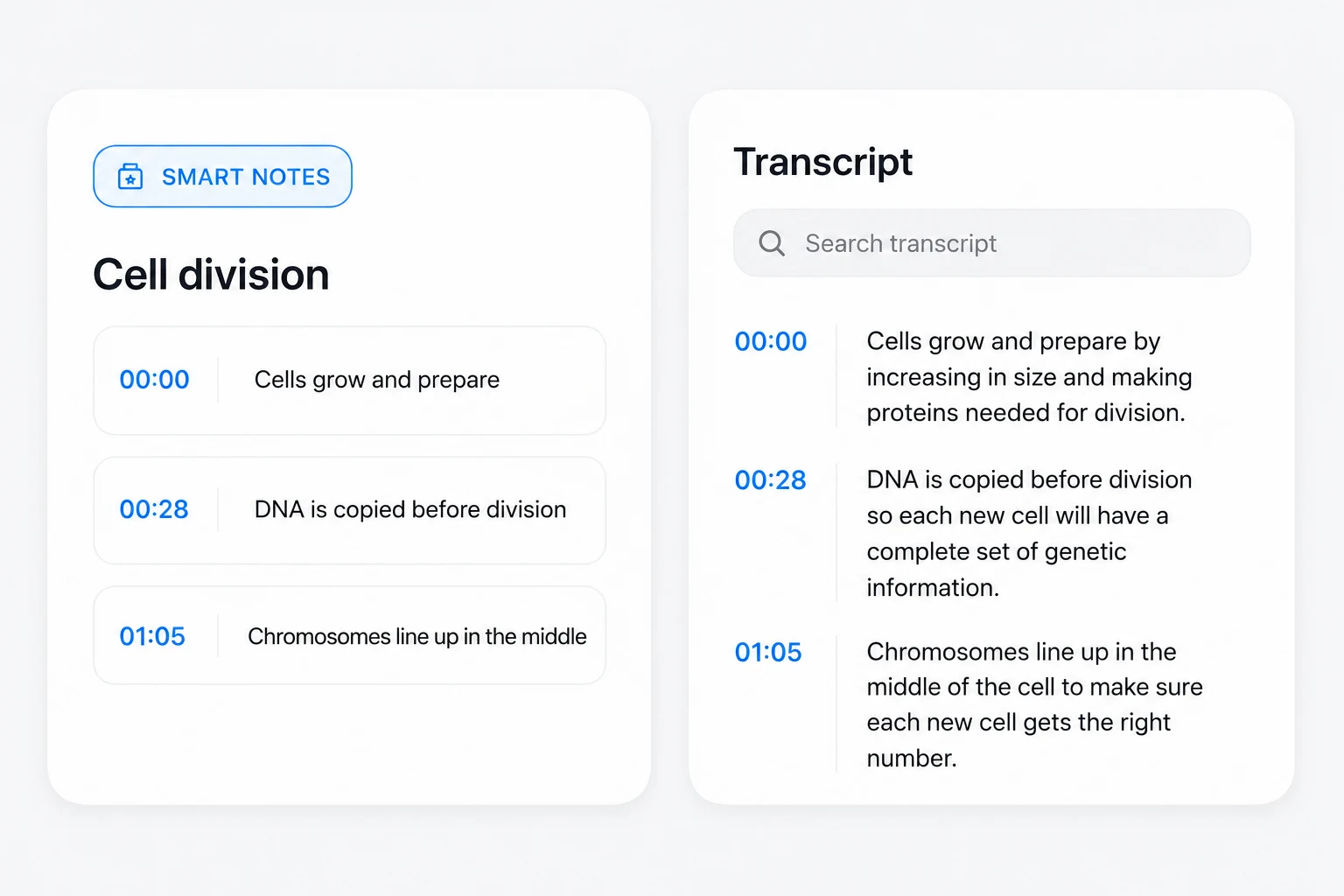
Return to a timestamped transcript, find a passage, and listen again. Smart Notes and quizzes help turn a lecture into material you can revisit. Transcription and AI generation are metered separately.
The Lasso controls are an original app capture. Other visuals contain illustrative, AI-enhanced examples; they are not live AI results.
Know how your AI runs
Supported local AI generation uses zero credits. Device support, model availability, and the task affect what can run locally.
Online requests use your plan’s AI allowance and require your consent. Review the selected route before sending study material.
Lecture transcription is separately metered at 1 credit per started 10 minutes, including local processing. AI availability and allowances vary by plan.
Read about privacyAI Lasso, source-grounded Tutor, Live Mistake Hints, and AI card generation are included in Pro and Ultra. See the comparison for allowances and device requirements. Compare plans.
Supported local generation can run on compatible devices with an available local model. Some tasks need online AI. Check your route and device support in the app.
Yes. AI can misread handwriting or produce an incorrect explanation. Review the selected content, compare answers with your study material, and use hints as a starting point for checking your work.
Keep the thinking yours